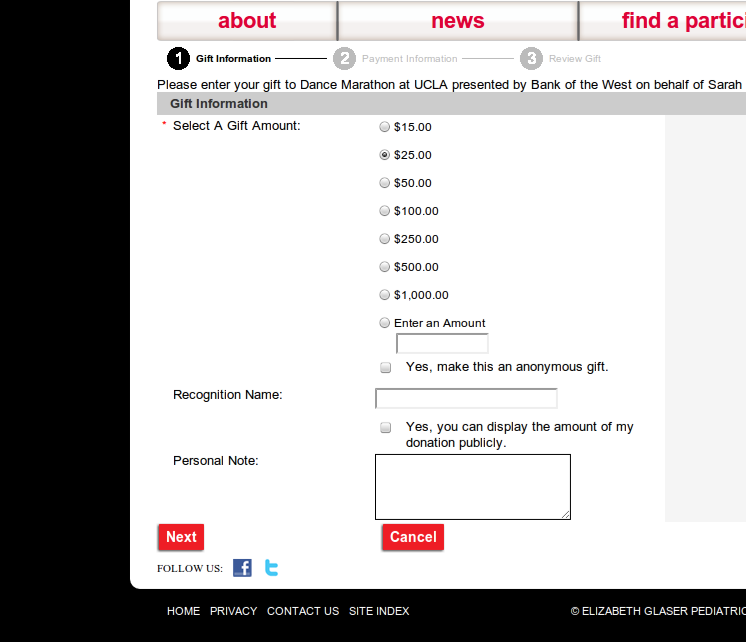
Cancel button fail
How many people looking to donate accidentally click this?
{width="580"
height="499"}
How many people looking to donate accidentally click this?
{width="580"
height="499"}
{width="500"
height="206"}
Its amazing to still come across web design failures like this one. The image above is a screen cap from the Northlanders, a site about a series of graphic novels about Vikings. The main purpose of this site is to sell the books, either physical or digital copies.
The designer, who is undoubtedly from a print background, realized this and used the large white circles and large text to draw the visitors eye to those element. But they failed massively by only making the small text below the \"Buy...\" headers the clickable links, as I highlighted above. Anyone who actually wants to purchase the books has to be lucky enough to mouse over just the right area to find the link.
This is a multi-level fail. We\'ll ignore the fact that the underlying markup is table-soup from 1999. At least the large text should be a link, most users will hover over that first, not the smaller text below. What\'s worse, the links aren\'t simple link elements, it uses an image map to define the clickable regions, since all 3 circles are part of a single image. And, if you decide go and use an imagemap, why do you not make the whole circle clickable using the circle shape allowed in imagemaps?
You might think that such design decisions don\'t matter, but this design makes it harder for users to buy what you are selling. Its costing you sales, and it doesn\'t need to.
At home, we were missing the ability to print from our iPad or iPhones. While I\'m not an OS zealot (anymore), I did upgrade to an iPhone last month, and have had an iPad for a while now. They\'re very useful for casual computing, checking email, browsing. But if we needed to print something, it was a hassle to fire up a laptop or desktop computer to use our networked printer. It turns out that Apple\'s AirPrint uses DNS Service Discovery, an open standard. There are programs out there for Windows and Mac to let you share a printer attached to that OS via Airprint. It turns out, you can use it on Linux if you run the Avahi daemon and CUPS. Of course someone has already figured out how to do it: CUPS with Apple AirPrint, using a python script airprint-generate. I was following the instructions, but the airprint-generate.py program would not generate the XML file to make it all work. Diving into the code, I saw that the printer had to be configured as a shared printer in CUPS, which makes total sense. I didn\'t have it configured that way, since its a network printer, any other device could connect directly to the printer server. The setting can be changed through the cups web interface or by adding the line below to your printers.conf file. airprint-generate.py will now find your printer and generate the configuration file to add to your avahi services directory.
Shared Yes
The one downside to this setup is that the computer running cups + avahi has to be on for this to work. But, you could buy an inexpensive ARM device, like the upcoming Raspberry PI or another one listed here and build yourself a custom, Airprint compatible printer server.